Organize your entire life with one AI assistant
LifeOrg is an AI personal organizer that plans your day, manages tasks and calendars, tracks meals and nutrition, and builds routines that stick — all in one app instead of a dozen.
-
Focus
Cut noise and stay on what matters every day.
-
Progress
Track what moves you forward and stay clear.
-
Structure
Keep all systems in one place with simple flow.
-
Growth
Build better habits, decisions, and outcomes.
Base calendar
Your daily planner and smart task manager
The Base calendar is the foundation of your day. Plan tasks, organize priorities, manage recurring routines, and build structure that actually holds up long term — without the chaos of scattered to-do apps.
- Quick task capture
- Recurring planning
- Daily structure
- Focus management
- Simple but powerful organization
Nutrition
Meal planning and nutrition tracking made effortless
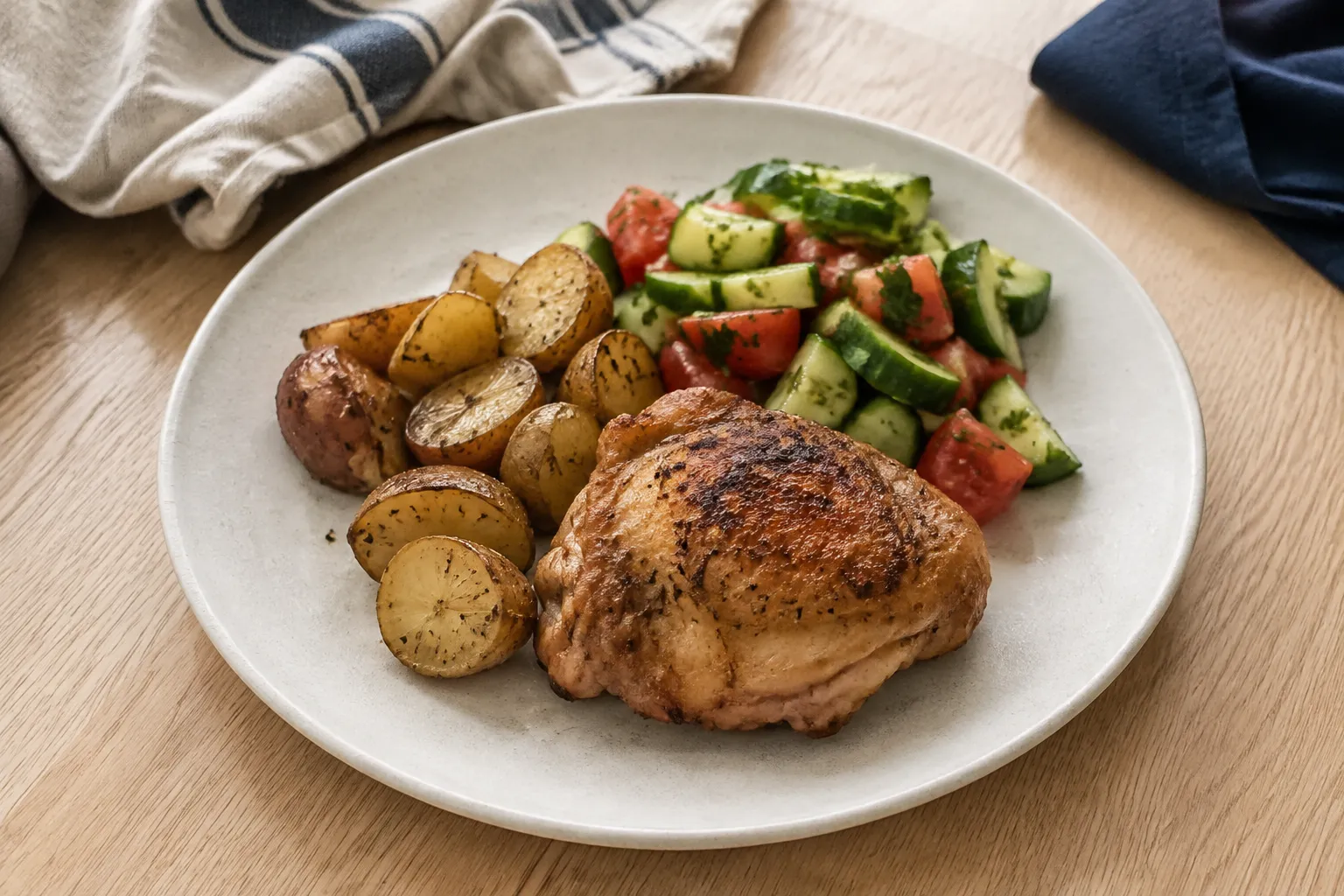
Log meals in seconds, see exactly what your body needs, and make smarter food choices every day. LifeOrg tracks your macros, micronutrients, and progress against your goals — automatically.
- Log effortlessly
Quickly add meals, dishes, and products.
- See the big picture
Visualize your macros, micros, and progress.
- Stay on track
Compare against targets and get insights.
- Make it yours
Custom food database and personal recipes.
Capture
From your daily life
-
- Meal photo
from camera
-
-
- Receipt
from gallery
-
-
- Message
from chat
-
-
Nutrition entry created
12:45 -
Expense added
09:18 -
Task created
09:41
Insights
AI analyzes and reveals what matters
-
Nutrition
Carbs are above your target while protein stays below the weekly goal.
-
Sport
Shoulder training volume increased by 38%.
-
Health
Sleep quality declined for 3 days in a row.
-
Finance
Restaurant spending is 22% above monthly average.
Actions
Personalized recommendations you can act on
-
Increase daily protein target
-
Plan recovery workout
-
Create sleep reminder
-
Review restaurant budget
AI assistant
How your personal AI assistant works
LifeOrg's AI works with your real life. It captures information from photos, receipts, and messages, understands the context, and turns it into personalized recommendations you can act on in three simple steps.
- Capture information
From photos, receipts, messages, and notes.
- Analyze patterns
AI finds what matters across all calendars.
- Recommend actions
Get personalized suggestions you can act on.
More life modules coming soon
LifeOrg is growing into a complete life-management system — a connected ecosystem of specialized calendars built around your Base planner and Nutrition tracker.
-
Finance
SoonTrack income, expenses, budgets, recurring payments, and financial goals.
-
Health
SoonMonitor wellbeing, medications, measurements, appointments, and personal health records.
-
Sport
SoonPlan workouts, track exercises, measure progress, and build training routines.
-
Work
SoonOrganize projects, meetings, deadlines, and professional tasks.
-
Events
SoonSchedule trips, locations, activities, and special events with maps and reminders.
-
Important Dates
SoonNever miss birthdays, anniversaries, holidays, and meaningful life moments.
-
What is an AI personal organizer?
An AI personal organizer is an app that uses artificial intelligence to plan your day, manage your tasks and calendar, and keep different areas of your life — like meals, routines, and finances — organized in one place. Instead of just storing information, it understands the context and suggests what to do next. LifeOrg is an example: it captures details from photos, receipts, and messages, then turns them into structured plans automatically.
-
How can I organize my whole life in one app?
To organize your whole life in one app, choose a tool that combines planning, tasks, calendar, and tracking instead of separate single-purpose apps. Start with a daily planner for your tasks and routines, then add areas like nutrition, health, and finance over time. LifeOrg is built this way — one connected workspace where your calendar, to-do list, meal tracking, and habits live together and share context.
-
What's the best app to manage tasks, calendar, and meal planning together?
The best app for managing tasks, calendar, and meal planning together is one that keeps them connected rather than in separate tools, so your plans, time, and nutrition inform each other. Look for quick capture, recurring tasks, and automatic nutrition tracking in a single interface. LifeOrg combines a daily planner, smart calendar, and nutrition tracker in one app, with an AI assistant that ties them together.
-
Can AI really help me plan my day?
Yes — AI can help plan your day by organizing your tasks by priority, scheduling them around your calendar, and surfacing what actually matters instead of leaving you to sort it manually. It can also spot patterns, like overdue routines or skipped meals, and recommend adjustments. LifeOrg's AI does this across your whole life, turning scattered notes, photos, and messages into a clear daily plan.
-
What's the difference between a to-do list app and a life planner?
A to-do list app manages individual tasks, while a life planner organizes the bigger picture — your time, routines, health, nutrition, and goals — and how they connect. To-do lists answer "what do I need to do?"; a life planner answers "how is my life actually going?" LifeOrg is a life planner with task management built in, adding an AI layer that recommends what to focus on next.
-
How do I build a daily routine that actually sticks?
To build a daily routine that sticks, keep it simple, make it recurring, and track it somewhere you check every day. Start with two or three core habits, attach them to a fixed time, and review your progress weekly so you can adjust. LifeOrg supports this with recurring tasks, a daily planner, and AI insights that flag when a routine is slipping before it breaks.
-
Can one app track both nutrition and my schedule?
Yes — some apps now combine nutrition tracking with your schedule and tasks so you don't switch between a meal tracker and a planner. This lets you log meals in the same place you manage your day and see how habits connect. LifeOrg does both: you log meals in seconds (even from a photo), track macros and micronutrients, and manage your calendar and tasks in the same workspace.
-
Is it safe to let an AI assistant access my personal data?
It's safe to use an AI assistant when the app is transparent about how your data is used and keeps you in control of what you share. Choose tools that use your information only to help you — not to sell it — and that let you decide what to track. LifeOrg's AI works only for you: it analyzes your data to give recommendations, and you stay in control of everything you track and share.
-
Is LifeOrg free, and how do I get started?
Yes, LifeOrg is free to start. You can sign up and use the Base calendar planner, task management, and core AI features at no cost, then upgrade only if you need advanced modules and higher limits. To get started, create a free account and begin planning your day in minutes — no credit card required.
FAQ
Frequently asked questions
Everything you need to know about LifeOrg, the AI personal organizer that helps you plan tasks, calendars, meals, and daily routines in one place.
- Still have a question?
Our support team is here to help. Contact support
Get in touch
Have an idea, suggestion, or found a bug? We would love to hear from you.