
Start with what’s on your plate
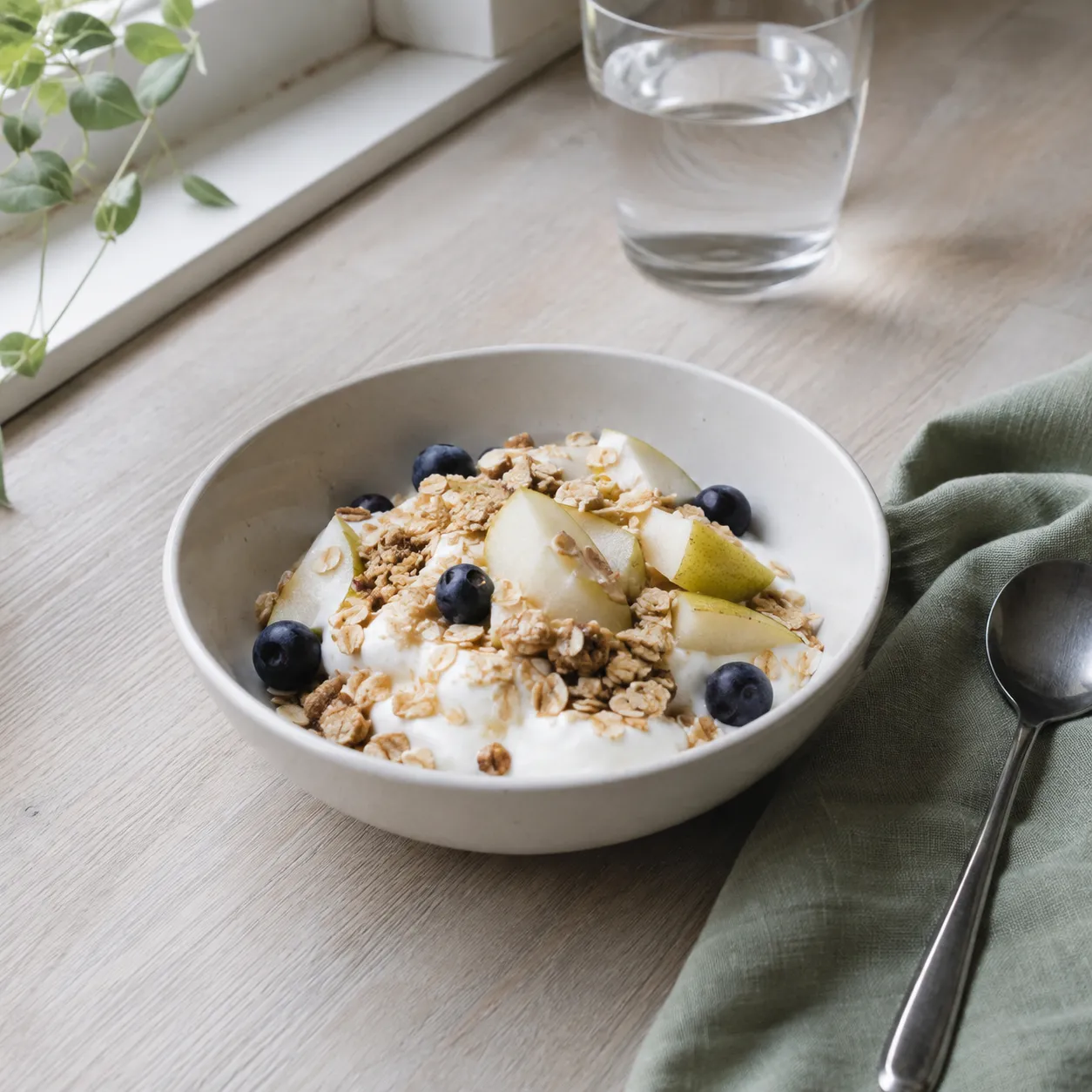
Take a food photo or find a dish in your library. AI helps prepare a draft; you check its ingredients and quantities.
A photo gives you a starting pointNutrition calendar
A favourite breakfast, lunch on the go, dinner at home. Record dishes and portions — LifeOrg brings the details into your calendar.
01From plate to calendar
Follow one example through three steps and see a meal become part of a clear daily record.
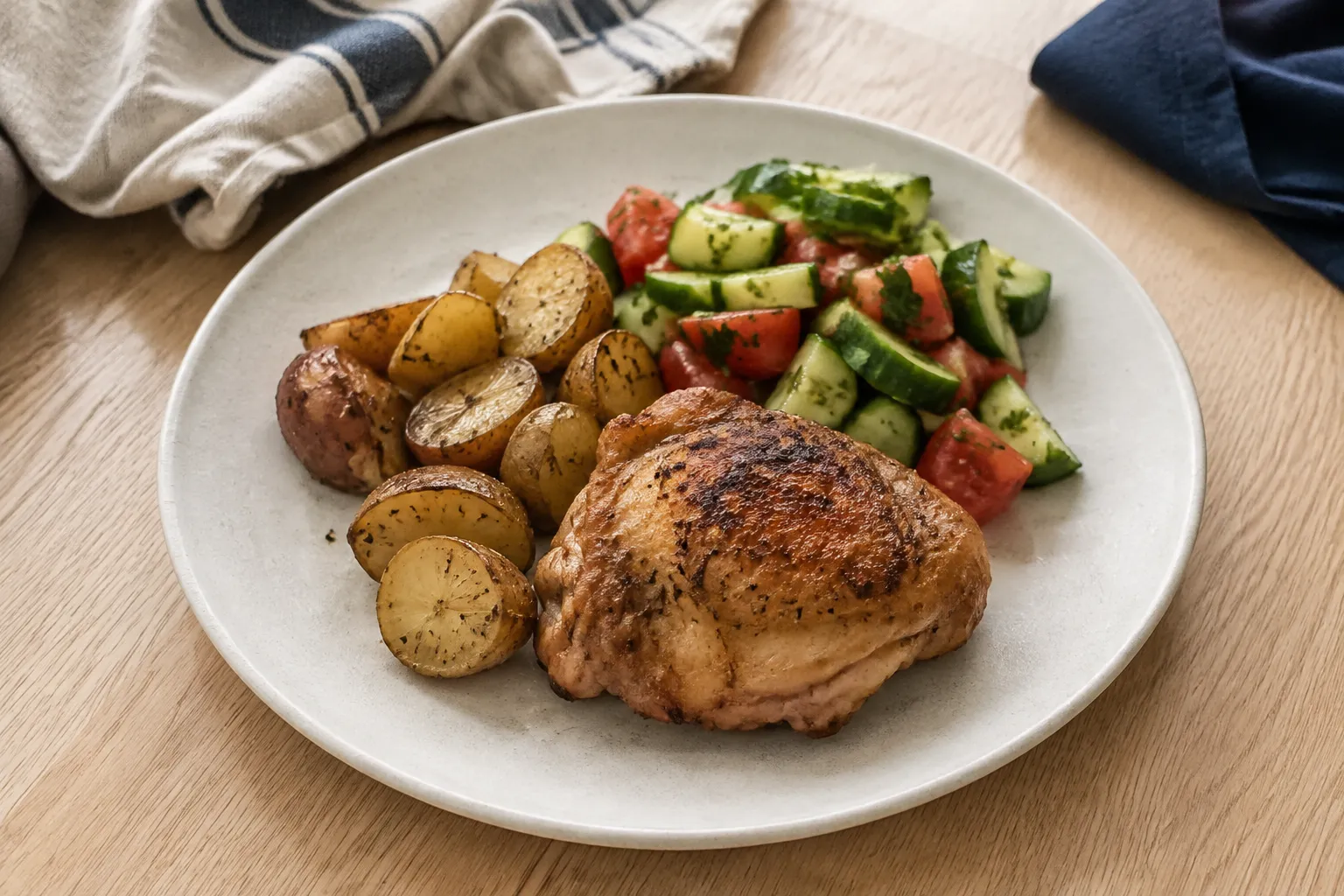
A sample draft is ready here. Explore the ingredients and adjust the portion.
Lunch draft
Edit grams or choose a portion size
Check the details before saving
Wednesday, 16 September
570 kcal
Adapted from LifeOrg features with fictional data. Values are illustrative; no AI runs in this example.
Take a food photo or find a dish in your library. AI helps prepare a draft; you check its ingredients and quantities.
A photo gives you a starting pointAdjust products, grams and portions in the app. Try changing this lunch’s ingredients and watch its nutrition totals update.
You control the detailsSave the lunch in this example. It will appear alongside the other meals and contribute to the day’s recorded totals.
From one dish to the bigger picture02Your library
Build your own collection of products and dishes. Next time, choose what you need and adjust the portion.
One recipe, different portions
Try changing a portionDishes and products
Dish ingredients
Dish ingredients
Dish ingredients
In the app, you can adjust a dish’s ingredients for a particular meal
03Nutrition in your calendar
Plan meals for the week and revisit each day’s entries. In the shared calendar, food appears alongside your other plans.
Keep it simple
No. You can choose a product or dish from your library and enter an amount. Photos and AI are another way to prepare an entry.
Yes. The meal editor lets you change product amounts in grams and portions, and adjust a dish’s ingredients. The summary uses the values you enter.
A photo helps prepare a draft. Hidden ingredients and portion weights may be estimated incorrectly, so check the ingredients and quantities before saving.
Meals appear on the timeline alongside other entries. In the shared calendar, choose which calendars to show and switch between month, week and day.
LifeOrg is currently in closed beta. Request an invitation at the bottom of this page and select the nutrition calendar.
Six calendars · one system
You don’t have to change your whole life in a day. Pick an area you want to organise and explore what it can do.
From a quiet morning to evening plans. Explore how one day comes together.
Explore a dayMeals, favourite dishes and the balance of your diet.
You’re in this sectionProgrammes, exercises and the results of every set.
Explore this calendarExpenses, receipts and your everyday purchase history.
Explore this calendarConcerts, meetups and trips you can’t wait for.
Explore this calendarBirthdays and occasions to make time for your people.
Explore this calendarMAKE ROOM FOR YOURSELF
Request access to LifeOrg. Choose what you would like to try first so we can understand your needs.
We welcome requests from every country. Invitations are sent separately; submitting this form does not create an account.
Have a question? support@lifeorg.app